

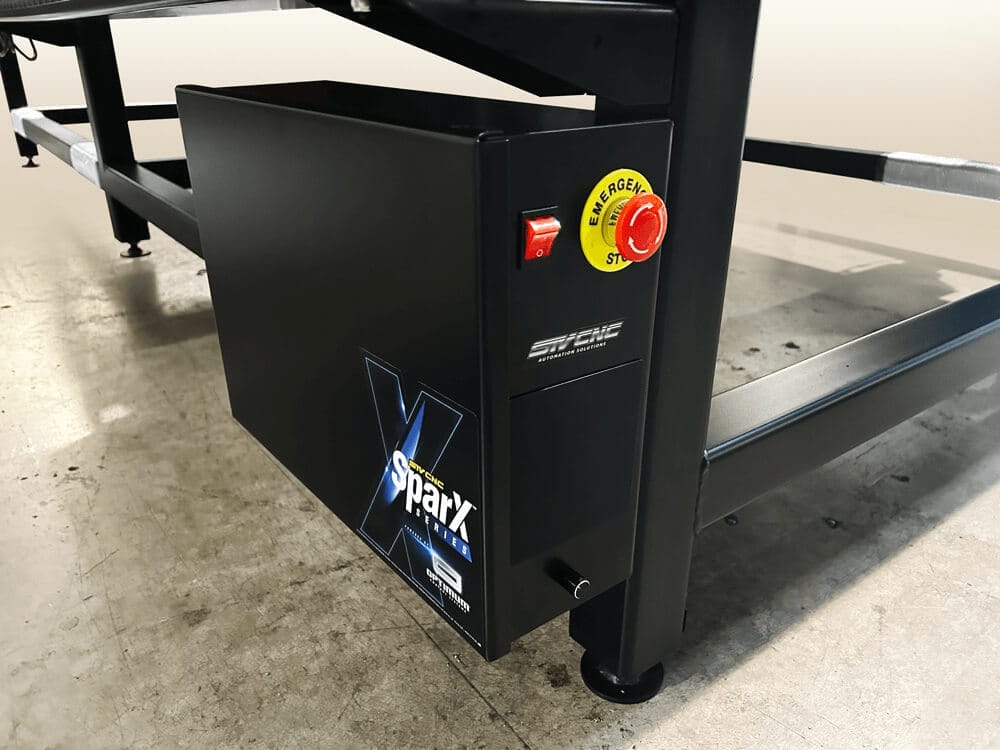
This Dial is found on First Generation Optimum Software-Based Plasma Tables, found at the front bottom of your control box. Newer Tables have this feature in the Optimum CNC Control Software.
Ohmic Sensing Objective: The Torch needs to detect the material. The Dial Knob helps adjust the amount of Limiting voltage down (limiting the force of voltage) for Non-Conductive material, flakes, rust, water and work environments.
TURN DOWN for less sensitivity in detecting.
TURN DOWN if WATER splashing falsely triggers the ohmic sensiting.
TURN UP for a higher sensitivity reading more.
TURN UP Dial knob to sense the RUST on steel.
TURN DOWN to avoid falsely triggered alerts, turn up higher to read thru non-conductive materials.
( Click on image to enlarge. )
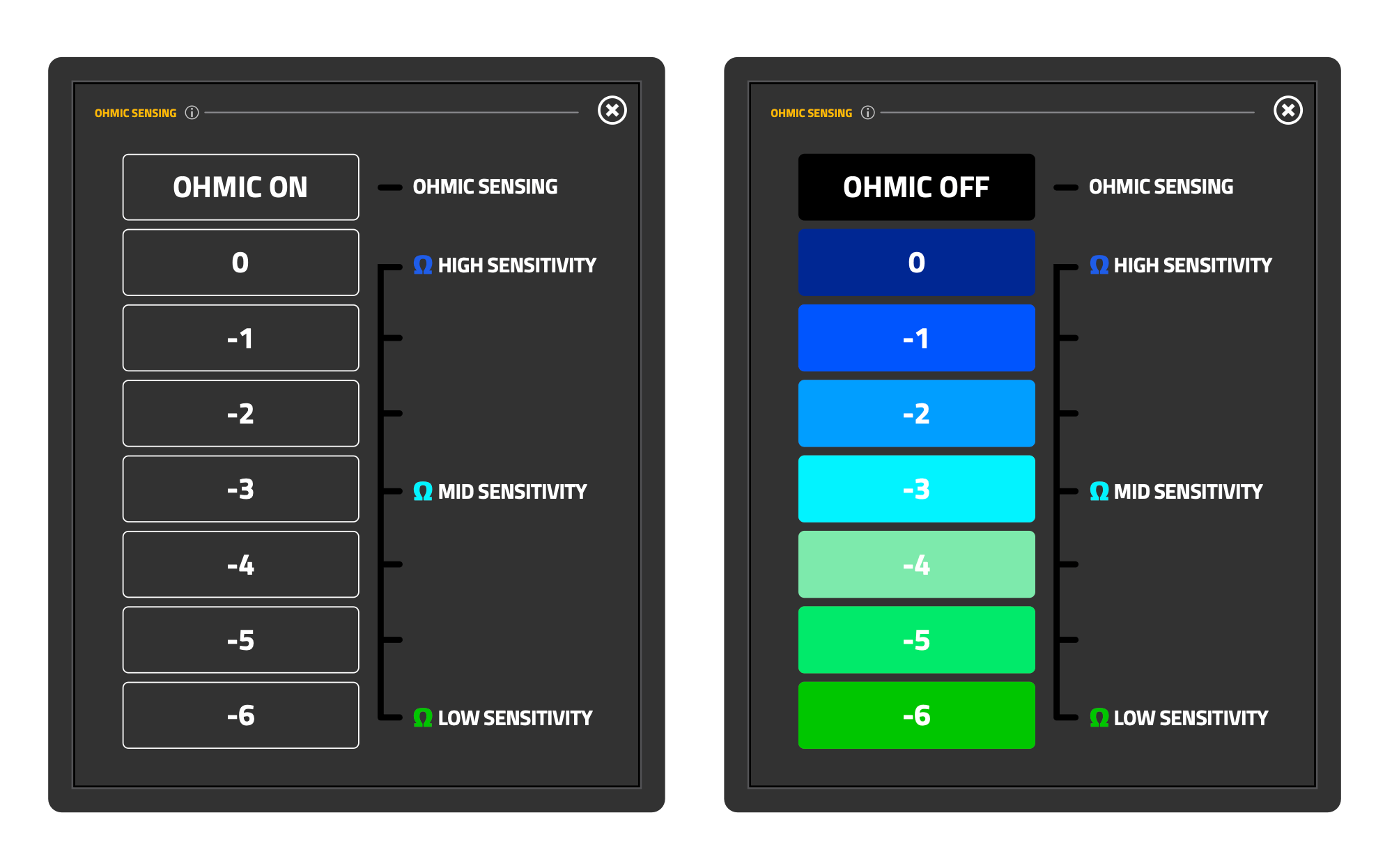
This Feature is found under the MENU button within the Optimum Software-Based Plasma Tables.
Ohmic Sensing Objective: The Torch needs to detect the material. The Dial Knob helps adjust the amount of Limiting voltage down (limiting the force of voltage) for Non-Conductive material, flakes, rust, water and work environments.
TURN DOWN for less sensitivity in detecting.
TURN DOWN if WATER splashing falsely triggers the ohmic sensiting.
TURN UP for a higher sensitivity reading more.
TURN UP Dial knob to sense the RUST on steel.
TURN DOWN to avoid falsely triggered alerts, turn up higher to read thru non-conductive materials.
( Click on image to enlarge. )
If your purchase included Homing sensors to install, included will be a “Homing Positioning Plate“. (Note: Homing Positioning Plate are sent to Optimum CNC Owners, this item is not needed for Proma MyPlasmCNC.)
We’ve integrated adding a Homing Positioning Plate for setting the correct distance for the Homing Sensors that appear on the sides of the linear guide rails. The “M” stands for “Modular” Homing Sensor Distance, “P” stands for “PRO” Homing Sensor Distance. This should guarantee symmetrical installation of the gantry alignment Homing Sensors, (HS & HY Sensors).
( Click on image to enlarge. )
