Fraud Blocker

STARTERGUIDE - CHECKPOINT 01

PRE-DELIVERY

YOU WILL NEED THE FOLLOWING:

REQUIRED #1: SAFETY

SAFETY FIRST

Follow all Safety Precautions found in your Hypertherm® Unit’s Safety Guide. 
On Site Ventilation: Consider installing a Dust Removal system or On-site Ventilation System.
Hands: Work Gloves to help handle any cuts that may still be hot and the transferring of metal sheets in production.
Eyes & Ears: Consider Eye protection from any debris, Plasma Cutting glare or sparks. PPE: Eye & Ear Protection, PPE: Respirator

REQUIRED #2: POWER

POWER SETUP

Your Table, Computer & Plasma Cutter will also need to be placed near a Power source for 110 VAC for Control Box/Electronics & 220-600 VAC for the Plasma Cutting System. Please check your Plasma Cutter’s Manual to have the correct Power Setup at your location that is in accordance to your chsen plasma cutter unit.

Plasma Power Setup: VOLTS: 200-480, AMPS: 50
(Contact Plasma Manufacturer for Electrical Setup.)

Control box Power Setup: VOLTS: 110, AMPS: 20
(Contact a Professional & Certified Electrician for Electrical Setup.)

REQUIRED #3: AIR SUPPLY

AIR COMPRESSOR

Consider Installing a Air Supply System and accessories on-site along with your table. The plasma cutting unit will require a certain amount of air pressure and flow to operate correctly. The most accurate recommendation will come from the plasma cutting unit’s manufacturer. For example, the Hypertherm® Powermax65/85/105 manual suggests 210 slpm (450 scfh, 7.5 scfm) at a minimum 5.9 bar (85 psi).

Source an Air Compressor with a Minimum of: Capable of 6 SCFM at 90 PSI.

Source an Air Compressor with a minimum of: Capable of 6 SCFM at 90 PSI. Make sure your air compressor is supplying above 90 Psi into the Hypertherm® Plasma System; usual suggestions dictate pressure to be set between 100-120 psi. Anything lower than 85 psi can result in the loss of arc. Anything higher than 130 psi can damage components in the plasma cutting unit. Make sure you are free of possible condensation, contaminated air, moisture or oil in your air lines/filters.

For occasional hobby project cutting, a compressor with a SCFM rating slightly higher than the minimum requirement listed in your owner’s manual will be adequate. If you tend to have a higher level of production in cutting, or plan to cut thick plate, it is recommended to use a compressor that is 1.5 to 2 times the plasma system’s requirement.

When thinking about air quality, most people only focus on the plasma cutter air compressor and do not consider what happens to the air after it leaves the compressor. That’s an issue because as the air travels from the compressor to the tool it is intended for, it will often absorb condensation from the air line.

If you are powering more than one tool from a single line, you can also have a situation where oil will back-feed into the line, passing the contaminant downstream. By the time the air reaches the Powermax®, it is no longer clean and dry. To prevent this humid and dirty air from getting into your system, it is important to filter it twice – once at the compressor and a second time at the Powermax gas inlet. And although it is an extra expense, this second filter will save you hundreds, if not thousands, of dollars, by extending the life of your consumables, torch, and power supply. In addition, it will improve your cut quality saving you time on secondary operations. 

AIR DRYER

Source a refrigerated air dryer or a desiccant filter system that will match your compressor specs. It is recommended to have an air drying system to ensure clean, dry air output to your plasma cutter. The air dryer helps clear the line from water and humidity between the air compressor and the plasma cutter. This will improve your cut quality and extend the life of the torch consumables.

AIR FILTERS

Make sure you have clean and dry air. This is especially important in areas with humid weather, as this excess moisture will easily make its way into your air compressor tank and air lines. If this should be the case, it is suggested to drain your tank at least once a day or better yet, installing an automatic drain system. In addition, you may want to add a second filter (in addition to the filter already inside your plasma unit) at least 20 feet downstream of the compressor, to help collect some of this mois-ture. If you plan to use your system a lot – in a production environment, for example – or live in an area with extreme humidity, then you may need to use a refrigerated air dryer or desiccant filter system to remove moisture.

REQUIRED #4: GROUNDING

EARTH GROUNDING ROD

Grounding is essential to prevent any on-site interference that may cause unforseen delays and material loss in production.

Separate of your Cutter’s Ground Clamp, we recommend the installation of an 8′ foot Earth Grounding Rod to prevent/reduce the chance of interference from excess current that the plasma cutting unit may produce. Not only will it help prevent interference but also avoid any material waste & any possible mechanical ghost movements that interference may cause. 

CABLE MANAGEMENT

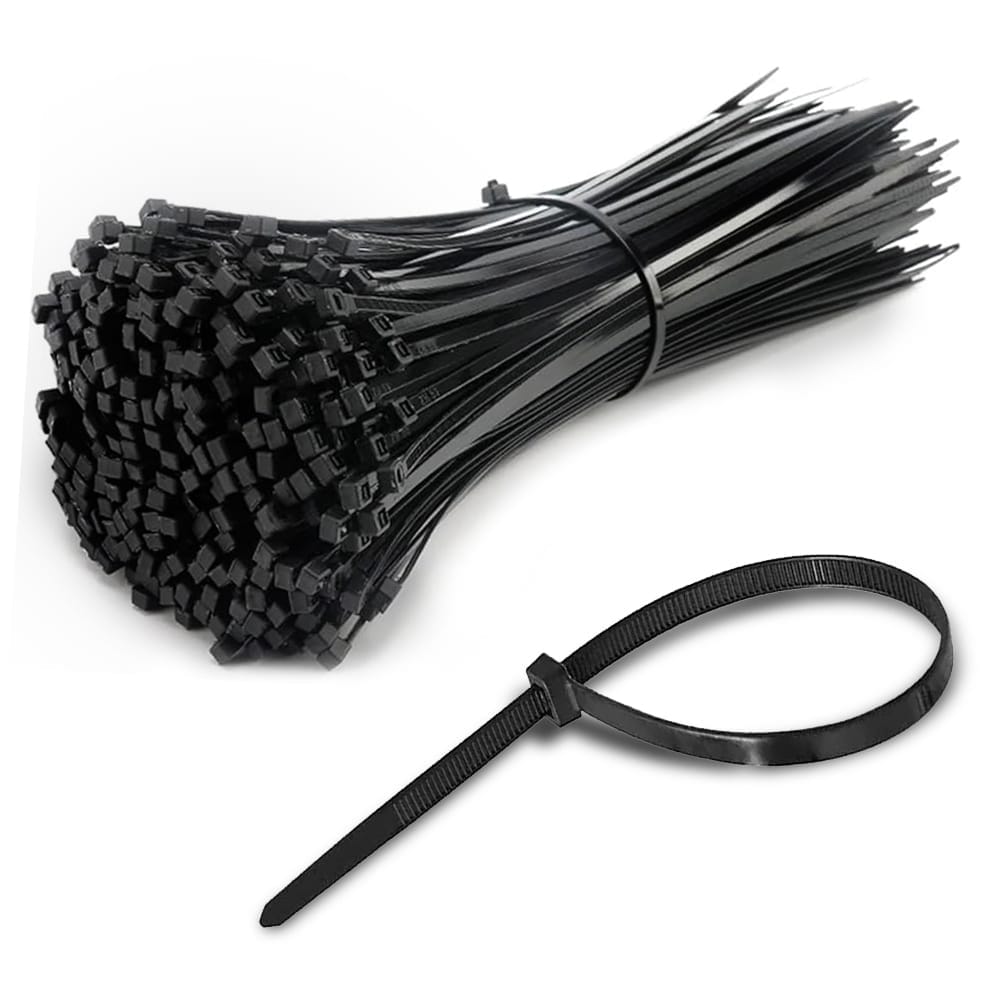
For best practice in Cable organization  management, we recommend using “Zip ties”, as they help keep cables organized & prevent interference. Make sure to UNCOIL your cables. This includes the excess of your Torch cable lead, the PC cable and Grounding Work Lead Clamp. Look out for any cables that may be coiled up or cables that cross over each other. Signals tend to cross between cables & cause interference.

LOSS/CROSSING OF SIGNAL

To avoid loss of signal, make sure Ground Cable is not coiled up. Make sure that your “Torch’s Cable” does not touch the Z-Motor at the top of your Z-Axis Head. Make sure your “USB Cable” that comes out of your control box to the computer does not cross signals as well.

GROUND CLAMP

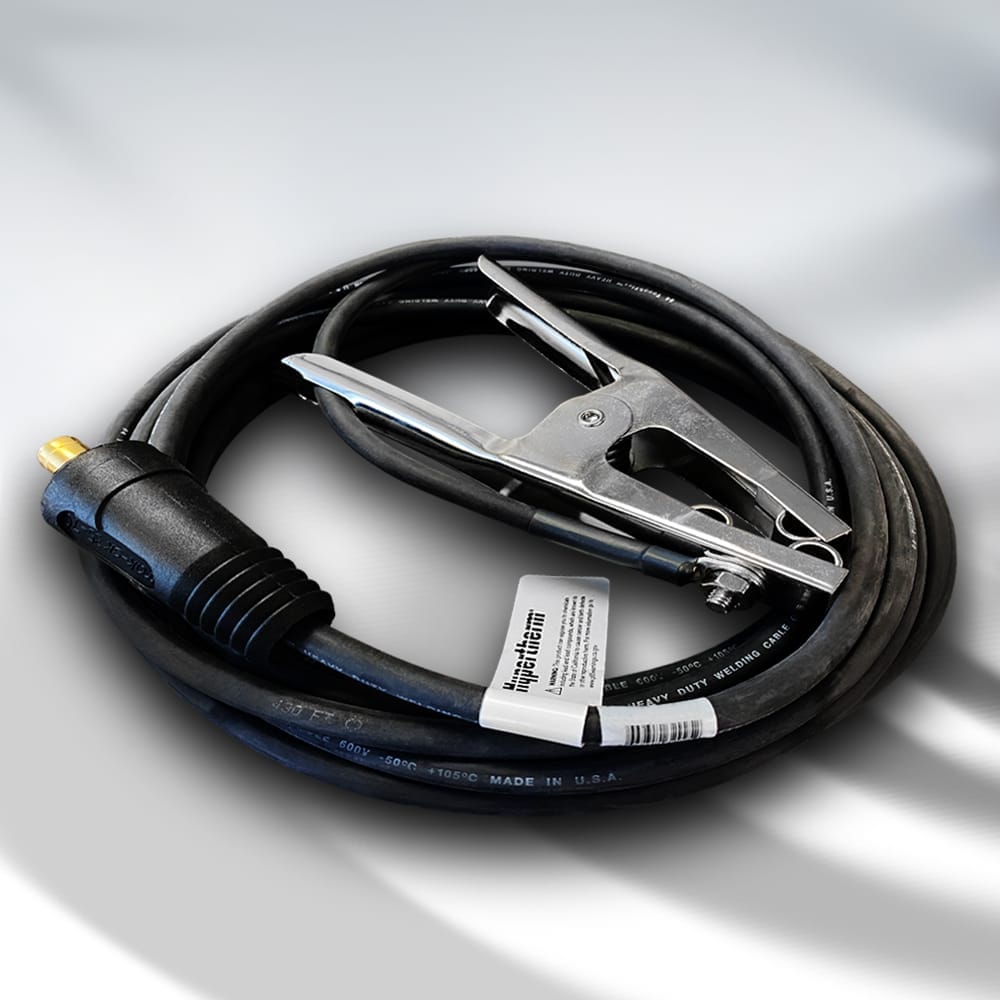
Separate from your on-site 8 foot grounding rod, If you purchased a Hypertherm® unit with us, in your box you will find your Hypertherm® Ground Clamp. Make sure the Ground cable that travels from the front of your Hypertherm® System is clamped to the waterbed of the table. You may also clip the ground cable directly to the workpiece as you see fit. An exemplary grounding grip point is the edge of the water pan, between the last slat and the frame of the table. 

To help prevent conductivity and interference, you may need to consider installing an 8′ foot Earth Grounding Rod. Follow your Hypertherm’s Manual to follow your ground clamp’s proper install and usage. Once a month Inspect ground and work lead connections. Verify that all plasma cutter components are individually grounded to a driven earth ground and that your work lead connection—especially the connection at your cutting table—is clean and tight. You don’t want any paint, oil, or dirt on the connection as you need a clean metal-to-metal contact.

INTERFERENCE

Make sure your Plasma Cutter has a minimum of 6′ feet in distance from the computer and control box. To avoid electrical noise interference, it is desirable to properly allow a distance of 6’ feet between your Hypertherm® System & your computer.Keeping your devices on wood or rubber, will help prevent conductivity. The crossing of cables may cause interference. Make sure that your TORCH CABLE does not touch the Z-Motor at the top of your Z-Axis Head. Make sure your USB CABLE does not cross signals as well.

RECOMMENDED ADD-ONS

IMPORTANT

Many Table Owners have a wide range of custom setup & on-site preferences. You will be required to source a TV/Monitor Display, wireless keyboard & mouse for your computer.

As a main source, we also stock Genuine Hypertherm® Products like Non-SYNC Consumables, SYNC Cartridges, Plasma Guard STV® for your water table & even Powerstation Carts for your on-site mobility. Click the Tab below to shop add-ons and accessories.

Shop Non-SYNC Hypertherm® Consumables
Shop Hypertherm® SYNC Cartridges
Shop Powerstation Cart
Shop Anti-Rust Solution Additive
Shop All ADD-ONS


RECOMMENDED TOOL & PREP

SEALANT

ONLY If you have purchased a MODULAR PLASMA TABLE: We recommend you sourcing 100% WATERPROOF SILICONE of your choice to seal the gap between each water pan. Other sealing options are welding your pans or installing gaskets.

COMPUTER

Computer for Designing Cut Files: Minimum of 3 GHz Computer or Laptop, Windows XP or newer with16 GB RAM, 250 MB storage, 2 USB ports.

BLOCKS

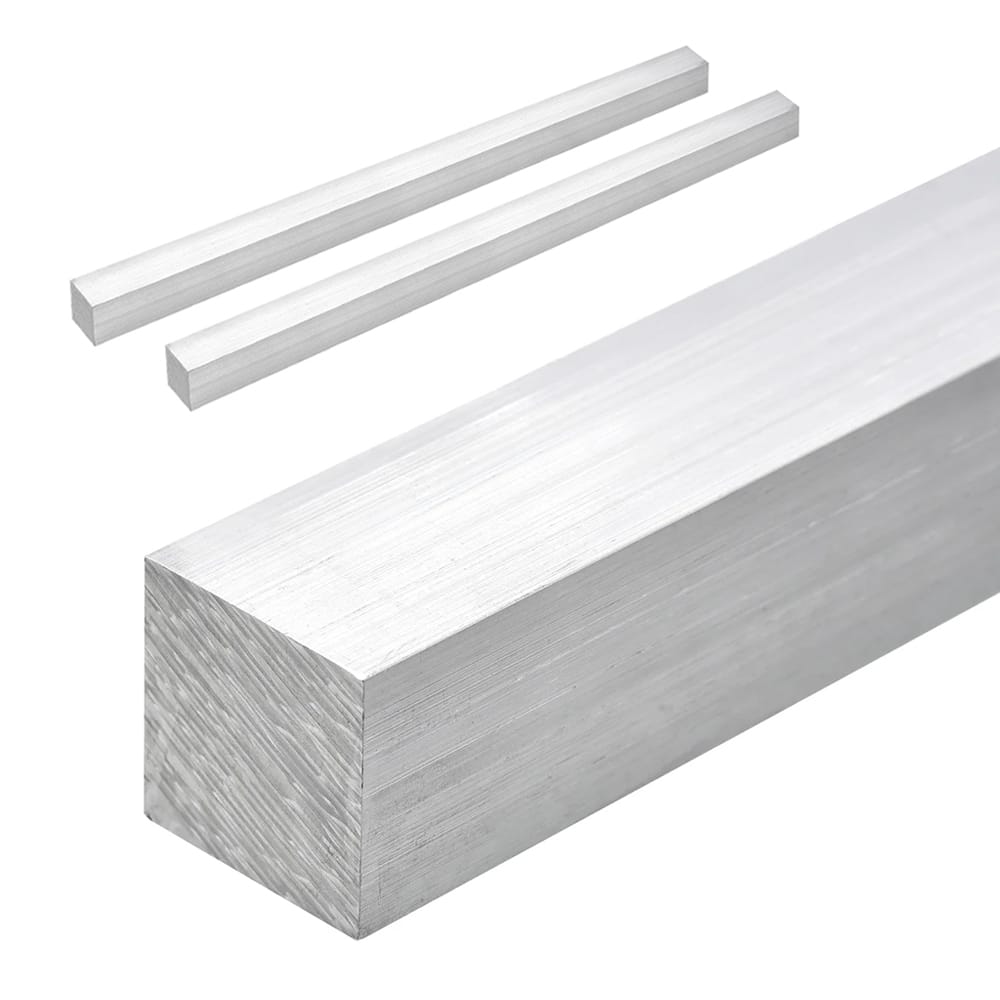
ONLY If you have purchased a MODULAR PLASMA TABLE: During Install, place two 0.75” inch ALUMINUM SPACER BLOCKS between the Frame Leg & the Linear Guide to clamp, align & set the Linear Guide at the correct separation from the table.

If a 3/4” aluminum spacer block is not available, use any rigid, flat material stack that achieves a true 3/4” height. Suitable options include machinist parallels, stacked steel plates (1/2” + 1/4”), or precision shim packs. Avoid soft or uneven materials, as they may compress or misalign the rail during tightening.

GROUNDING

Install an 8’ foot Earth Grounding Rod to prevent interference. Separate from your on-site 8 foot grounding rod, If you purchased a Hypertherm® unit with us, in your box you will find your Hypertherm® Ground Clamp. Make sure the Ground cable that travels from the front of your Hypertherm® System is clamped to the waterbed of the table. You may also clip the ground cable directly to the workpiece as you see fit. An exemplary grounding grip point is the edge of the water pan, between the last slat and the frame of the table. To help prevent conductivity and interference, you may need to consider installing an 8′ foot Earth Grounding Rod. Follow your Hypertherm’s Manual to follow your ground clamp’s proper install and usage. Once a month Inspect ground and work lead connections. Verify that all plasma cutter components are individually grounded to a driven earth ground and that your work lead connection—especially the connection at your cutting table—is clean and tight. You don’t want any paint, oil, or dirt on the connection as you need a clean metal-to-metal contact.

IMPORTANT: Make sure your Plasma Cutter has a minimum of 6′ feet in distance from the computer and control box. To avoid electrical noise interference, it is desirable to properly allow a distance of 6’ feet between your Hypertherm® System & your computer.Keeping your devices on wood or rubber, will help prevent conductivity.

METAL SUPPLY

Source your nearest Metal Sheet Supplier in your area.

WATER AGITATION

We recommend if one cuts a variety of materials on their plasma table, to install a water filtration system that agitates the water. Install an Aerator, Bubble Muffler or Water Filtration System for Surface Agitation, Oxygenation & Water bed Gas Dissipation. Clean any submerged, cumulative surface areas or Hydrogen gas trapped pockets of Aluminum particles in your water bed. (especially prevention against the mixing of aluminum particles with mild steel particles in your water bed.

ZIPTIES

Zipties help keep cables organized & prevent interference. Important: Make sure you UNCOIL your cables. This includes the excess of your Torch cable, the CPC cable and Grounding Work Lead Clamp.

MAGNETIC STICK

Helps remove cut pieces/debris/tip-ups off of the table and helps retrieve a cut part that has fallen into the water pan.

During a production cut a tip-up may occur. To help avoid the torch from crashing into the tip-up one can use a magnetic stick to quickly and safely remove the part from the torch’s path.

DIGITAL CALIPER

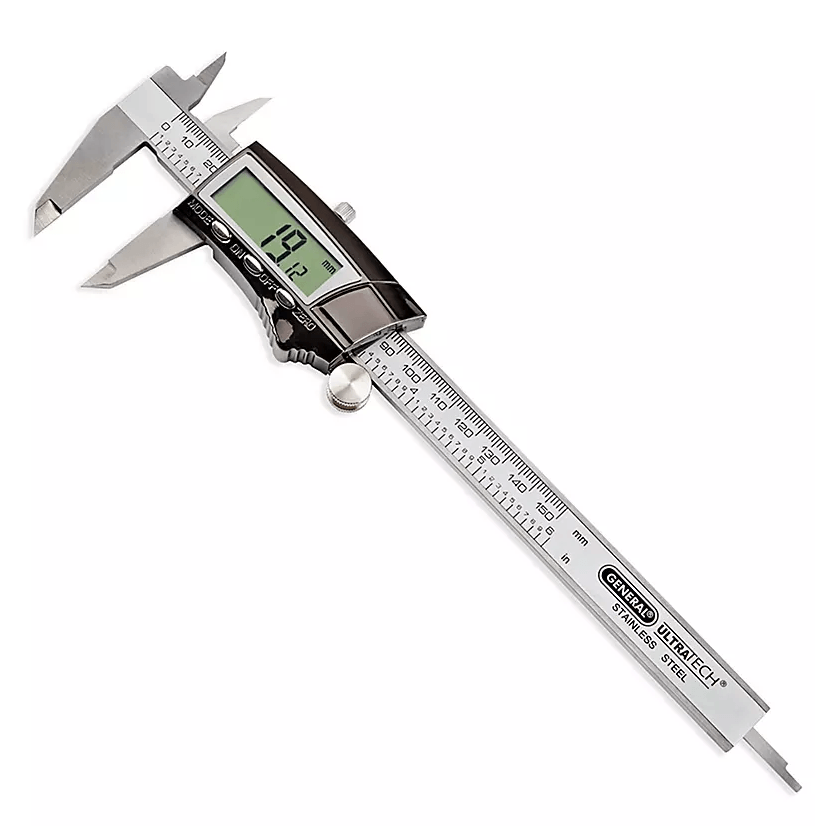
Upon owning any CNC machine a digital caliper is always needed in production. Helps measure the thickness gauge of your steel sheets as well as measure bolts, hole diameters and cutouts for your production.

LITHIUM GREASE

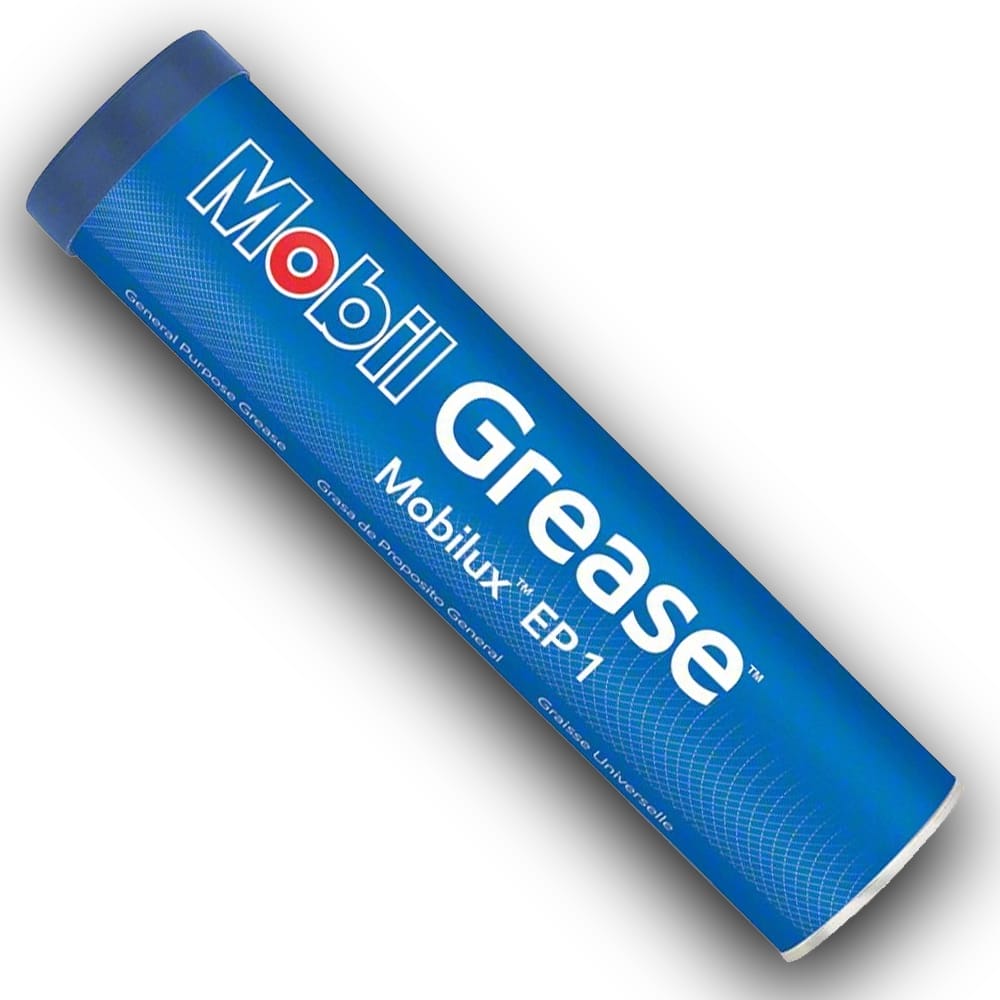
We recommend using a Lithium Grease Blend (Options with varying Viscocities: EP00, EP000, EP004, Mobilux EP1) with an Ares Grease Gun Kit. IMPORTANT: Make sure the Lithium Grease you select DOES NOT have MoS2 MOLY or GRAPHITE in it. 

The ball-bearing DUAL CARRIAGES on each side of the gantry help for gliding fluidity and run across a solid set of two linear guides. Be cautious when cleaning your Carriages, tipping the carriage may release ball bearings from within.

GREASE GUN KIT

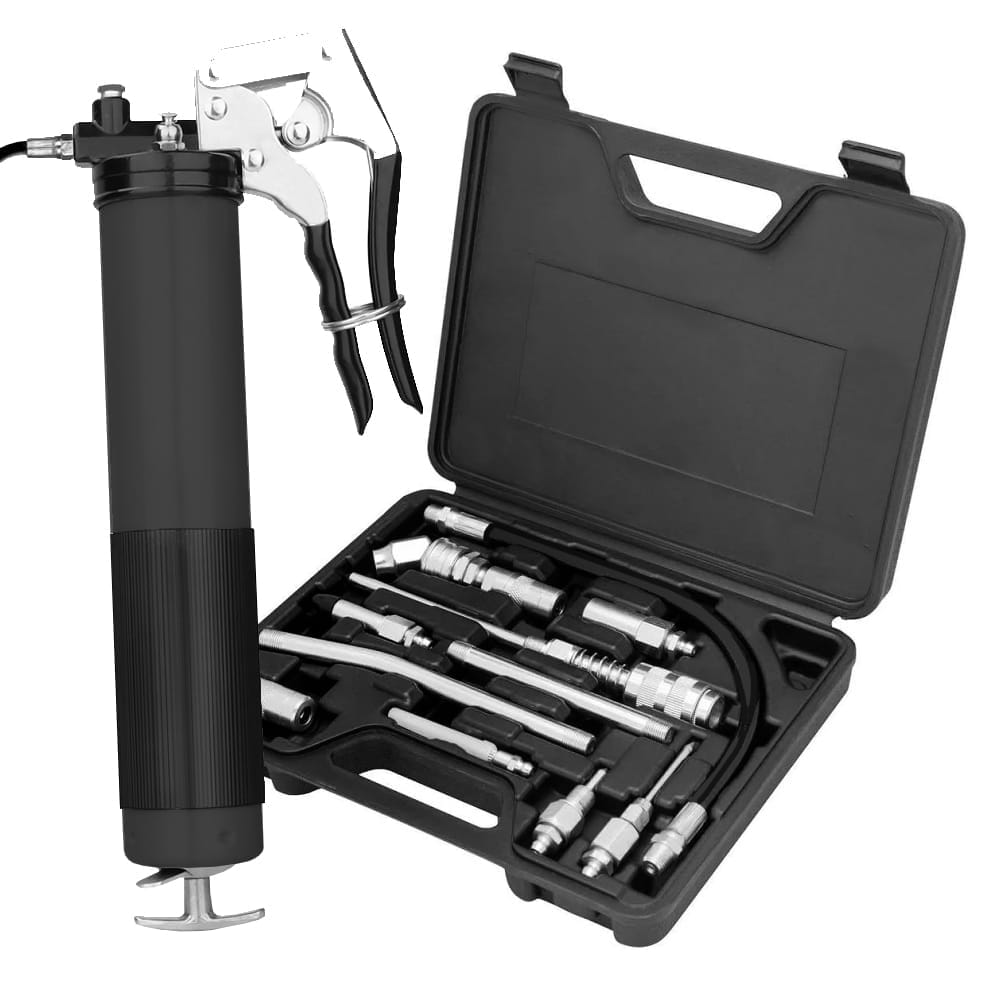
Source a Complete Grease Gun & Accessory Kit for Ball-bearing Carriages.

ANTI-SPATTER SPRAY

Minimize the amount of metal that sticks to your shield. After inspection, polish your shield with a Scotch-Brite™ pad before reinserting it on the torch. A smooth shield with a clean, round orifice, as it is when new, will accumulate less metal than one with spatter on it. Second, spray a Water Based (not silicone, dip type or oil based) MIG Welding Anti-Spatter Spray on the front of your shield. You’ll want to do this after the shield is reinstalled on the torch so you don’t rub off any spray when putting your torch back together. Third, it is suggested that you try spraying the top of the plate before cutting. The spray usually makes the top spatter from piercing non-existent, minimizing arc wobble on holes.

WD-40

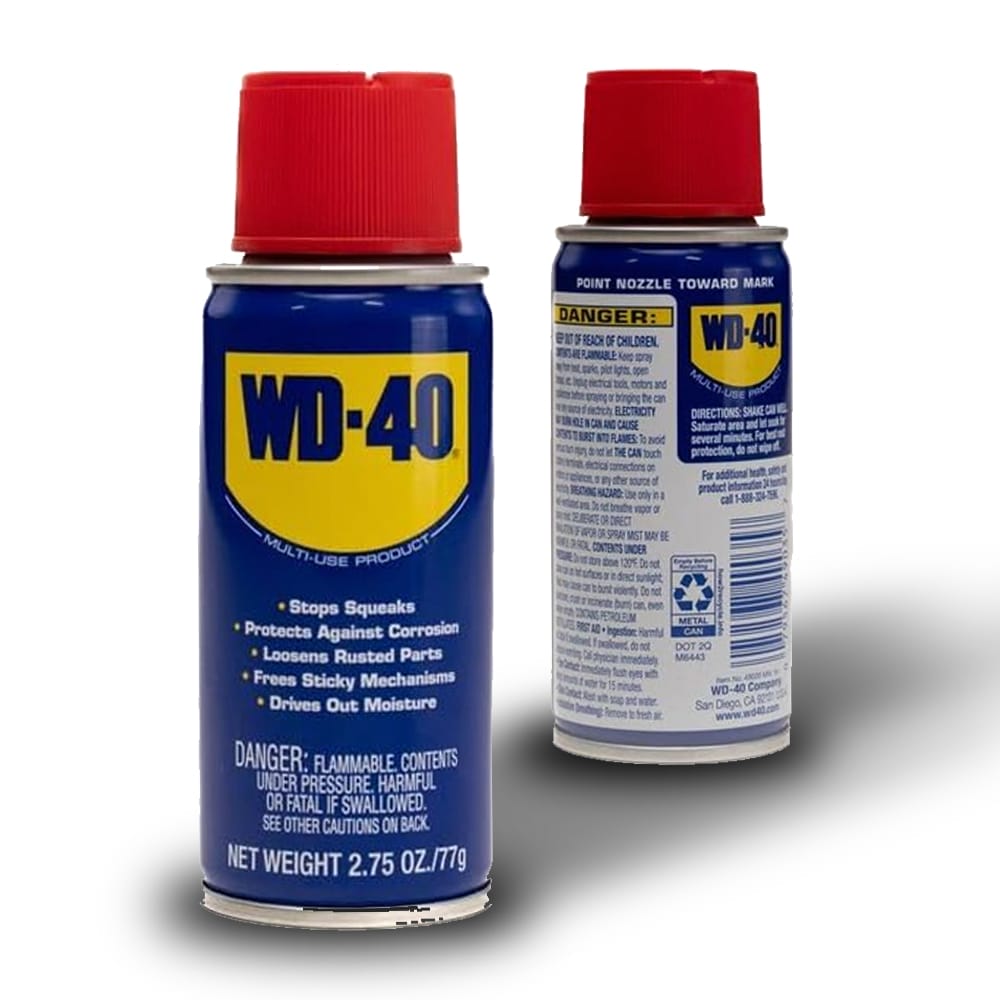
Make sure to spray the Linear Guide Rails and also in-between the carriages with WD-40. Use scouring pads and Wipe down clean. Clean and Lubricate. WD-40 can be used, moderately, as a cleaning agent when removing dirt and debris from bearing tracks and gear racks.

WD-40 DRY LUBE

WD-40 Dry Lube and brushing your rack with a wire brush is designed to leave a thin, dry film of lubricant that doesn’t attract dust or debris. WD-40 Dry Lube IS ONLY FOR THE GEAR RACK. ( DO NOT SPRAY ON  LINEAR RAILS. )

  • Doesn’t collect dust or metal dust.
  • Perfect for open-air racks that are exposed to plasma dust or grinding debris.
  • Prevents corrosion without turning into a sticky paste.
  • Keeps your pinion gears running smooth without buildup.

SCOURING PADS

Greasing: Lithium Grease Blend (EP00 or EP000) & an Ares Grease Gun Kit assists in table maintenance for Carriage bearings.

MICROFIBER TOWELS

Greasing: Lithium Grease Blend (EP00 or EP000) & an Ares Grease Gun Kit assists in table maintenance for Carriage bearings.

SUMP PUMP

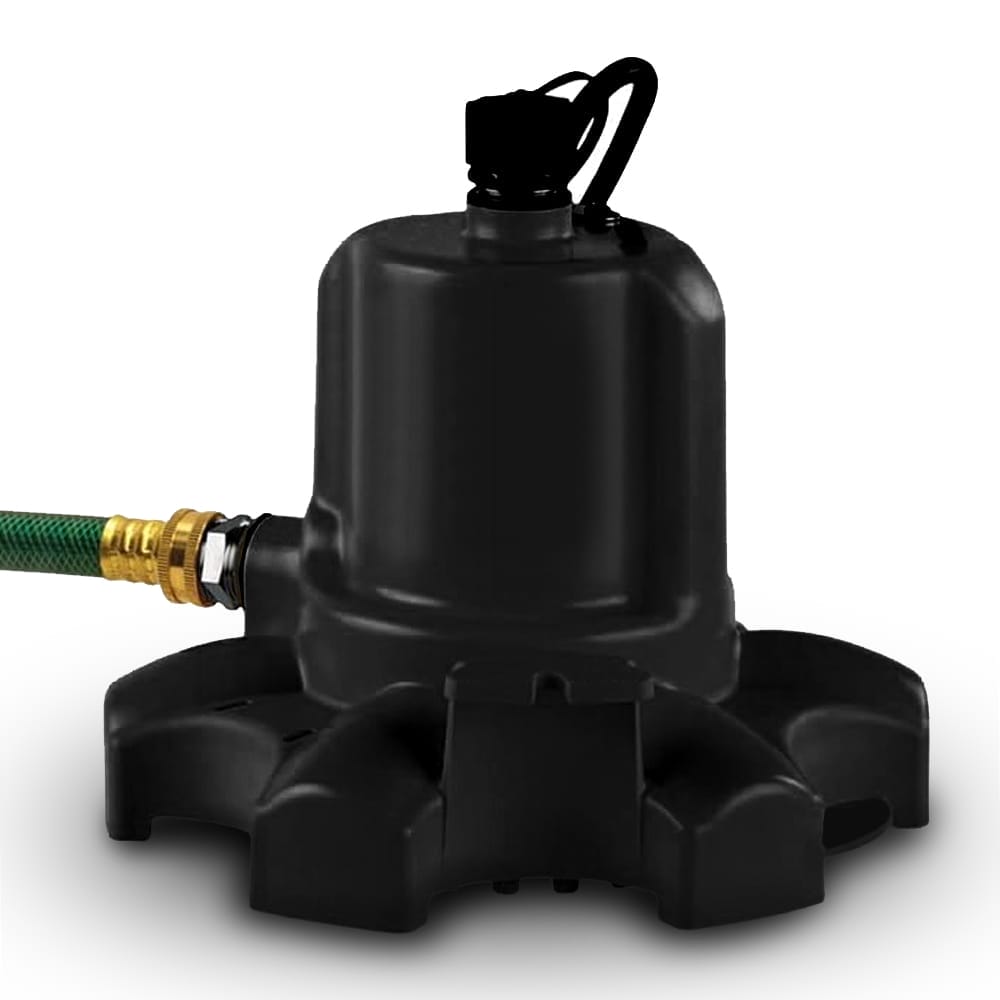
Assists in table maintenance and water removal from your water pans.

OTHER HELPFUL TOOLS

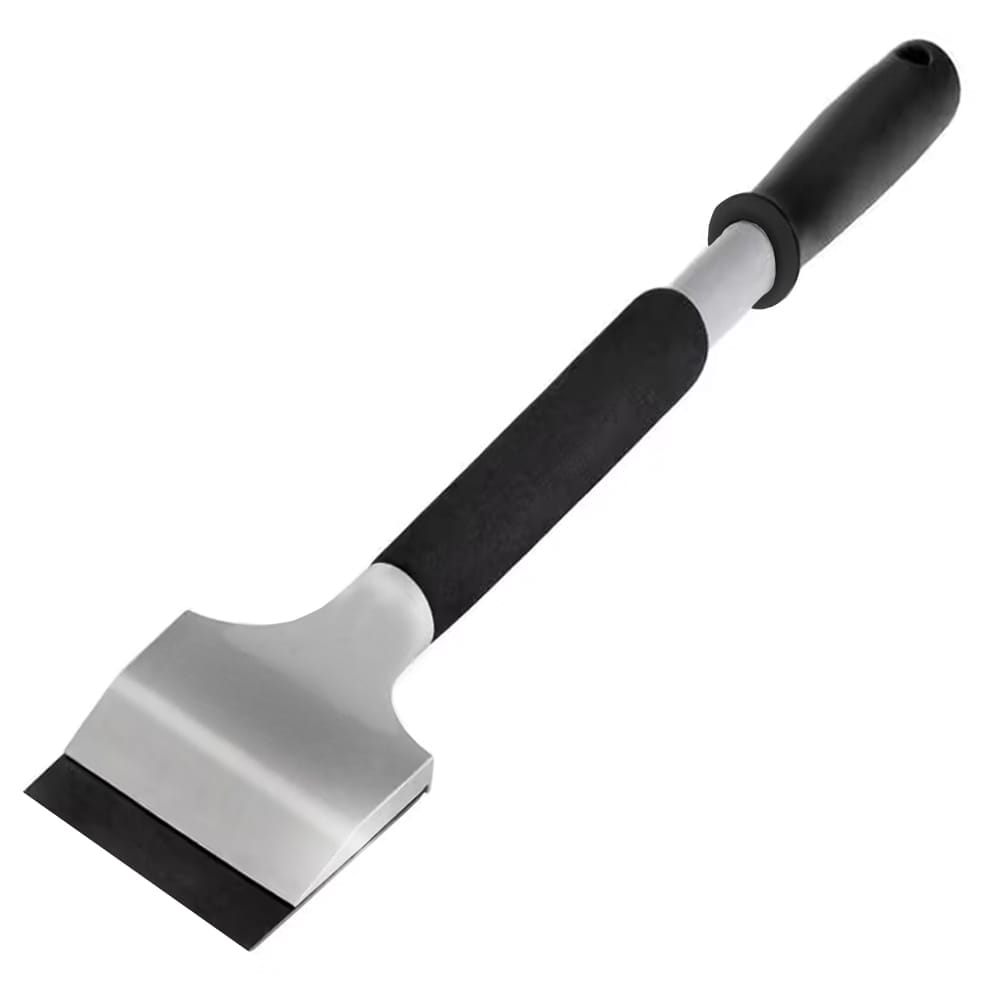
Other Cleaning Tools: Needle Scaler, Scraper, Wire Wheel, Weed burner, Wet Sand Blasting, Shop Vacuum, evaporative cooler pump, Red Tip Pressure Washer.

Need Additional Support? We can help.

Our STVCNC® Technical Support Team is recognized for offering solutions & customer support methods (as listed below) well before any escalation occurs where you take advantage of enjoying the ease of having us delegate replacement parts and resolutions to prevent any extended amounts of down-time.

Tap now & Schedule your TechTalk with STVCNC®, Automation Solutions.

A Support ticket will place you in queue for a direct one-on-one call with one of our Team Members.